Edit the flow together. Deploy it as one version.
Everyone who opens the editor works on one shared draft that lives on the connector. A change reaches every open editor within about a tenth of a second, and the running flow changes only when someone deploys.
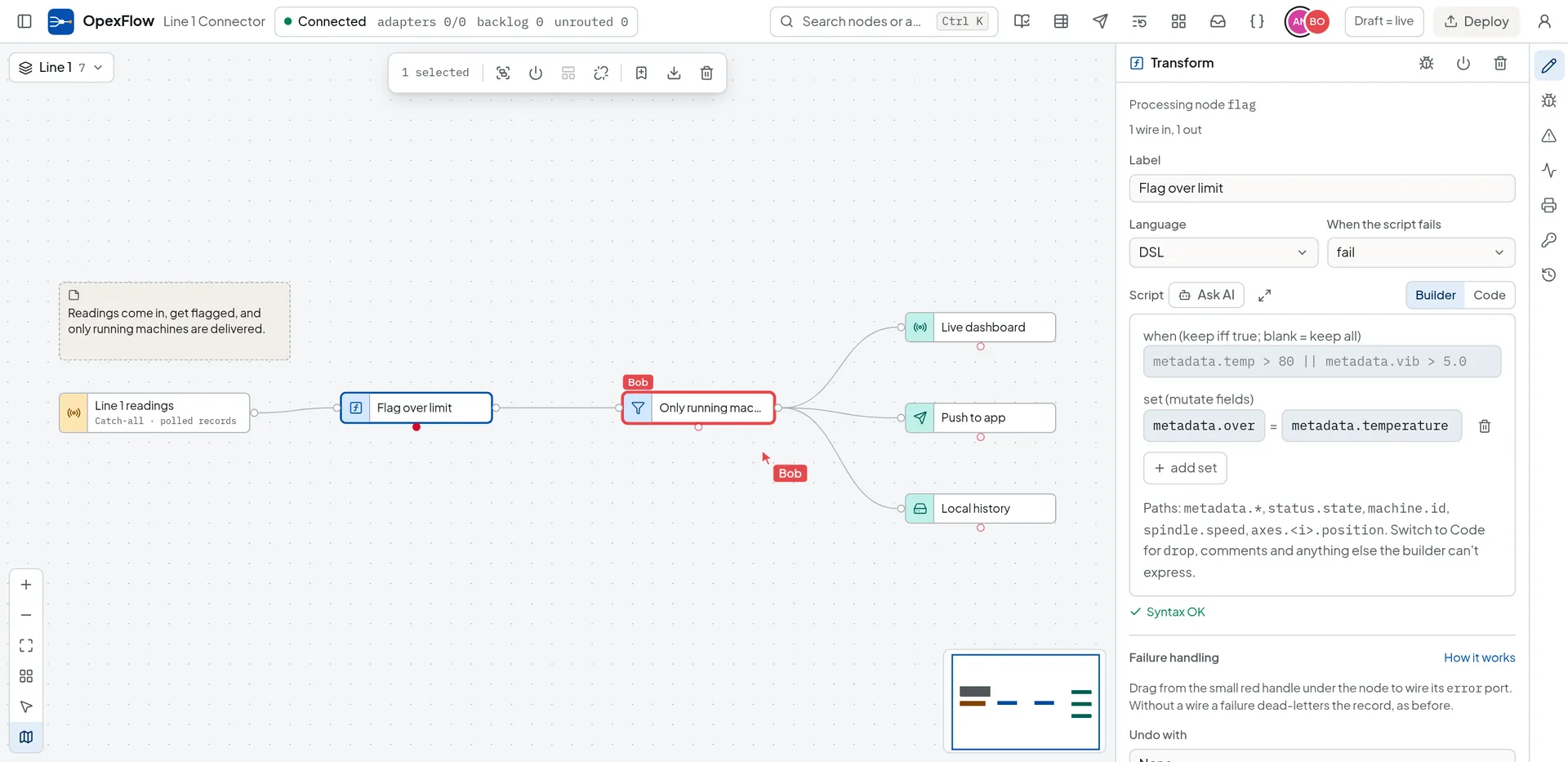
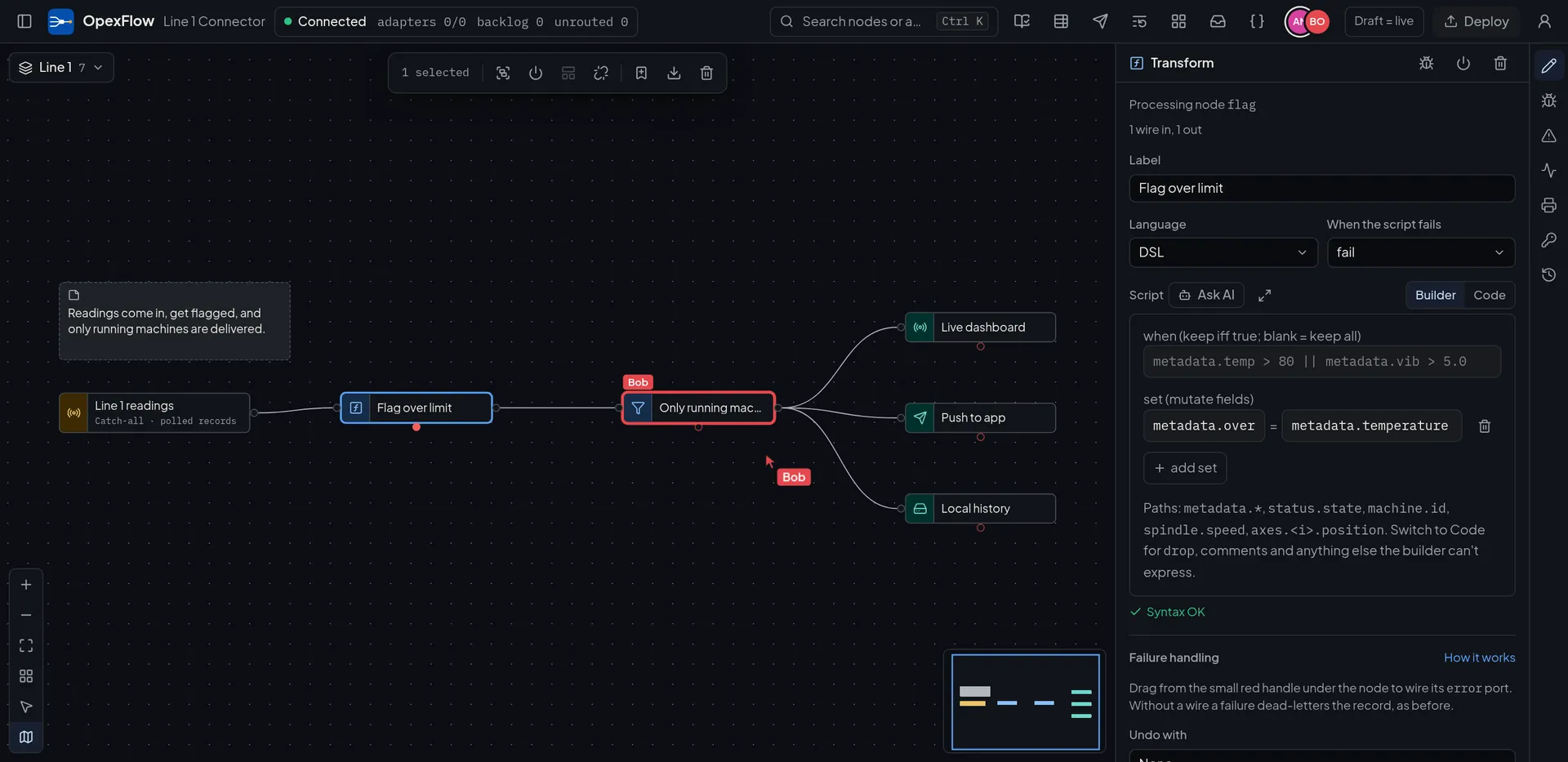
One draft, and you can see who is in it.
- Who is here
- Avatars in the top bar list everyone in the editor, named from the OIDC sign-in or the API token. Each shows what that person is doing, and Follow mirrors their flow and viewport until you pan or zoom.
- Where they are
- Cursors are drawn on the canvas. A node someone has selected or opened gets a ring in their colour with their name, and the side panel says the person is editing this node while they work in its form.
- What is unsaved
- The Draft chip next to Deploy counts the changes against the running flow and names who wrote them.
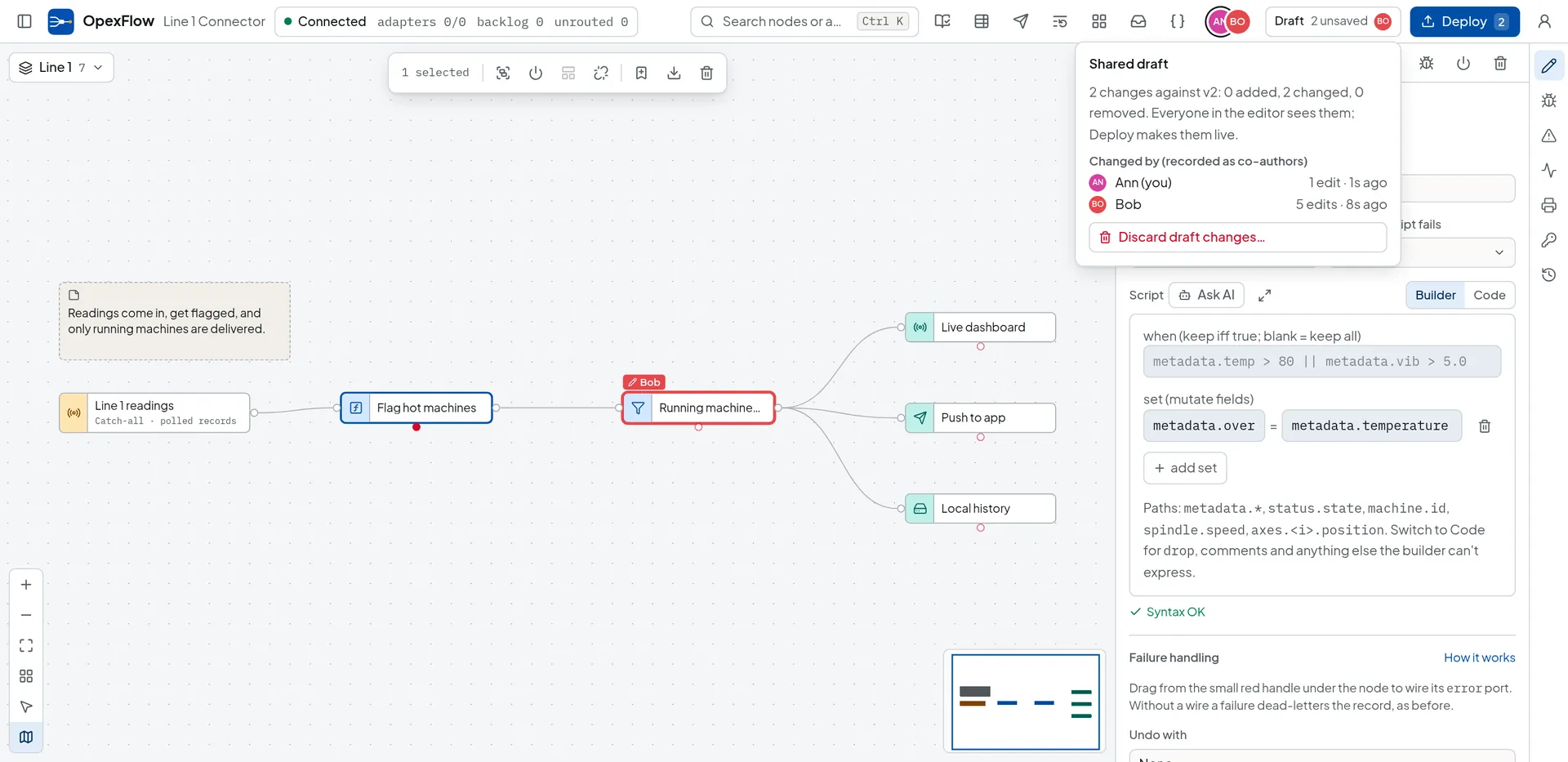
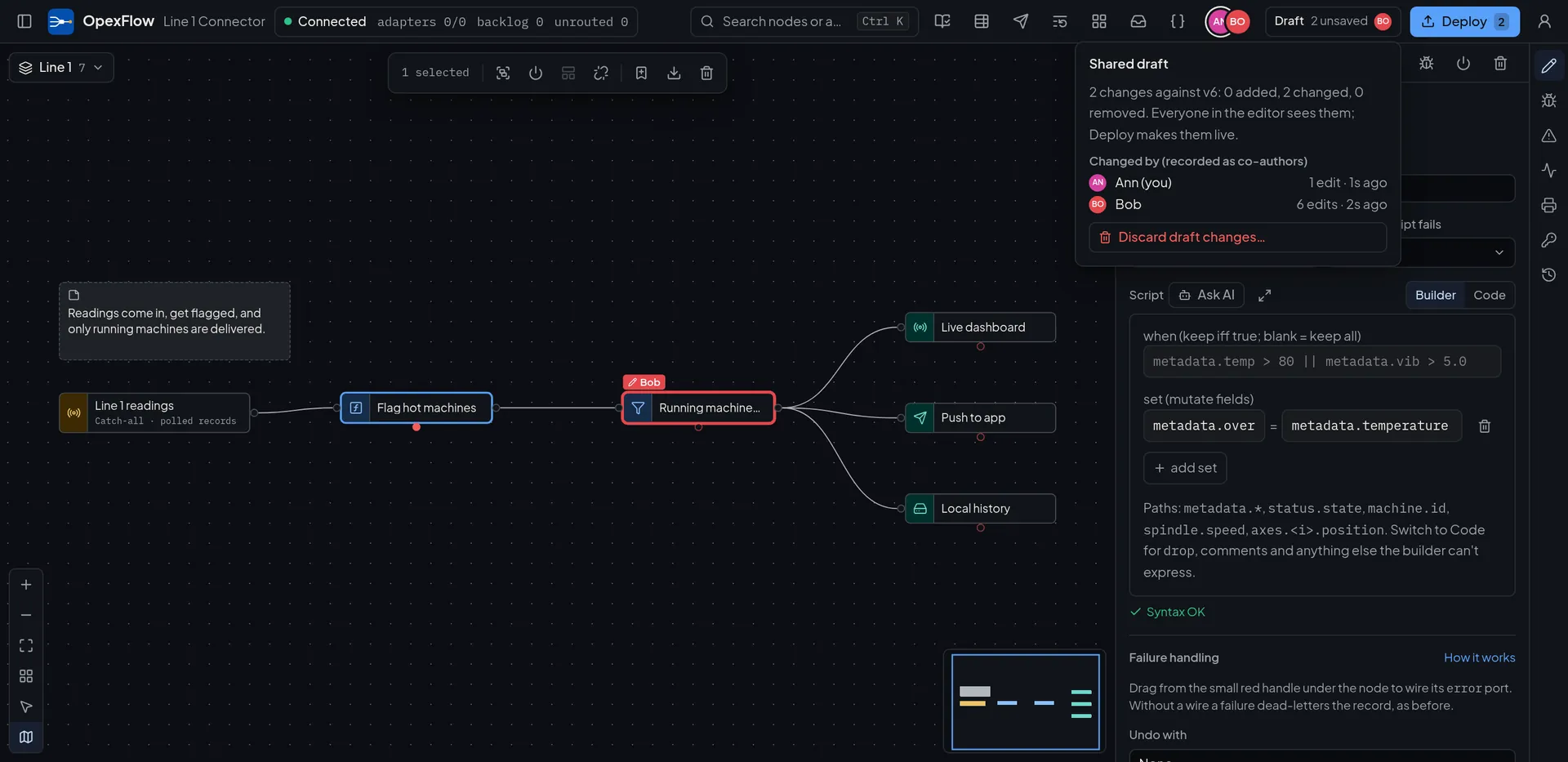
A deploy is one version, with its co-authors.
The version history stays the record of what ran. It now also says who wrote it.
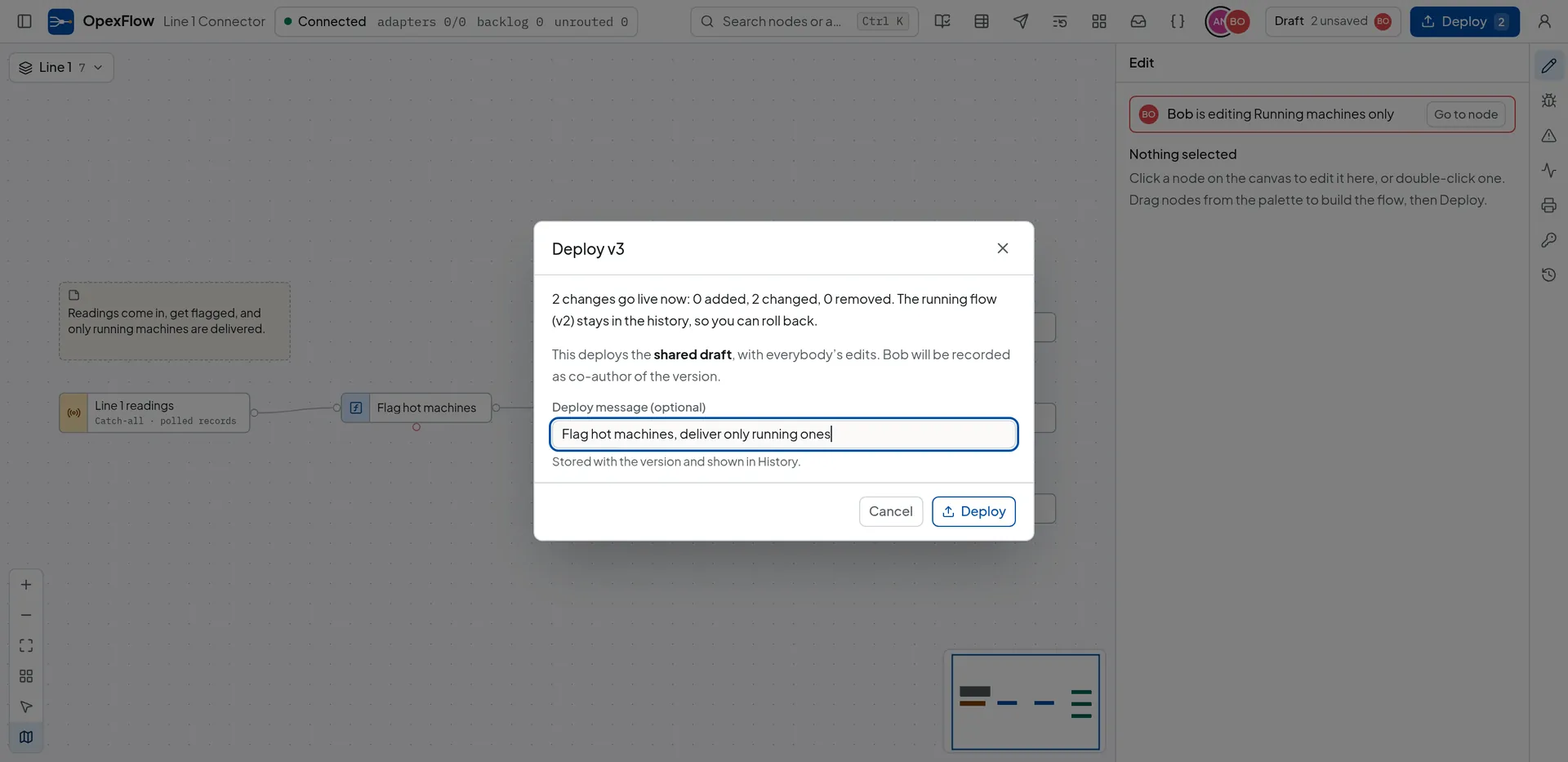
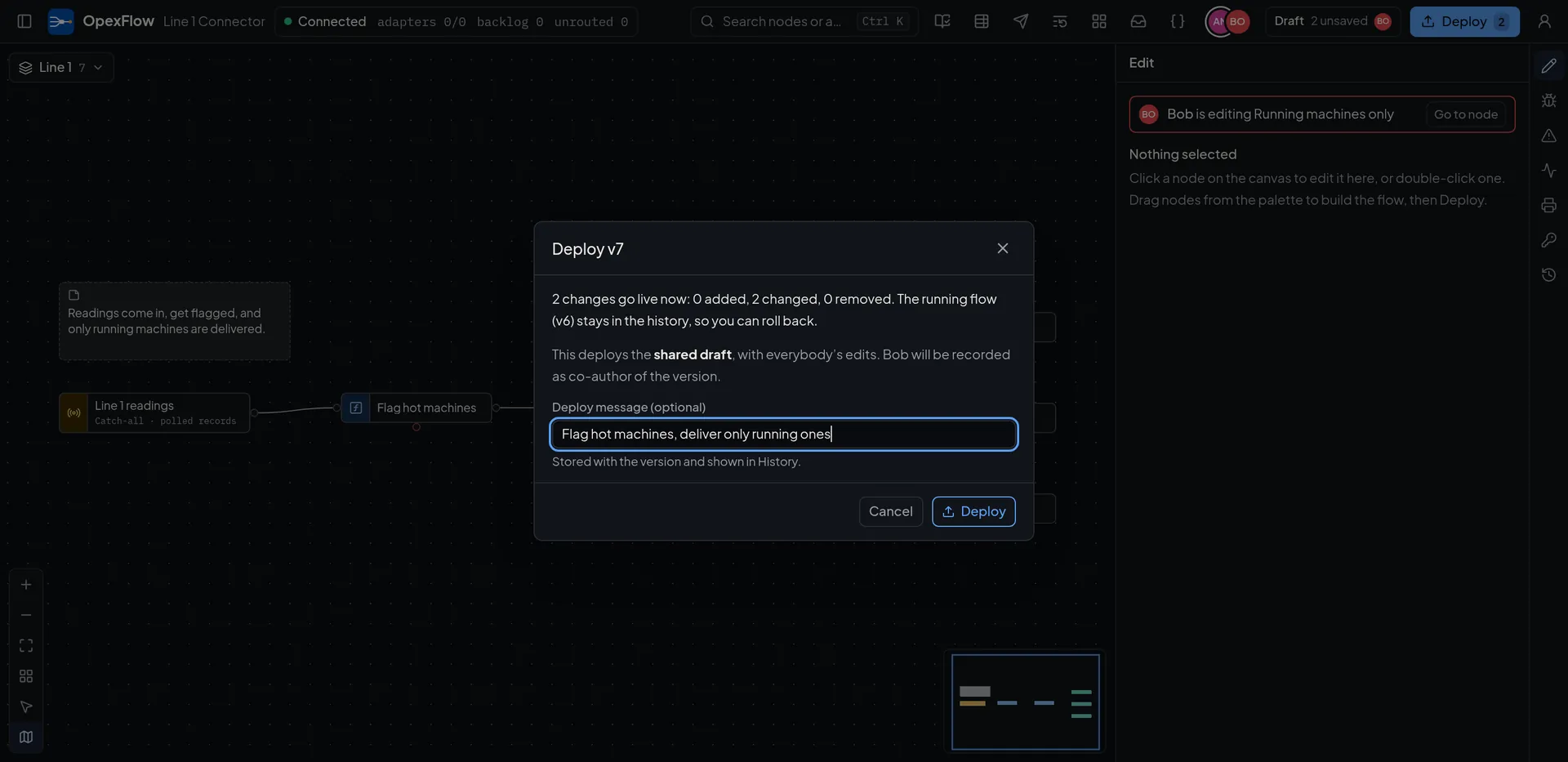
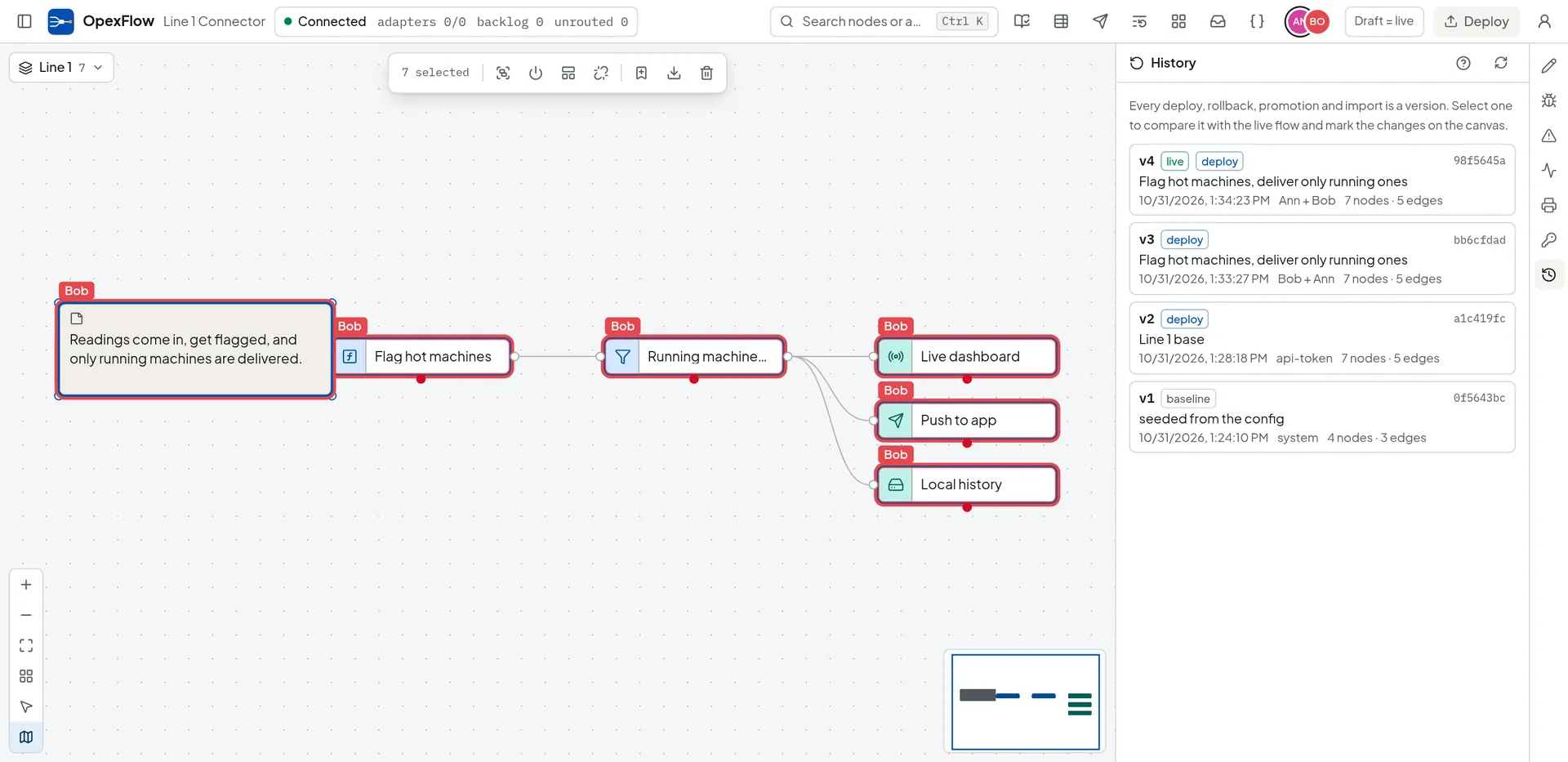
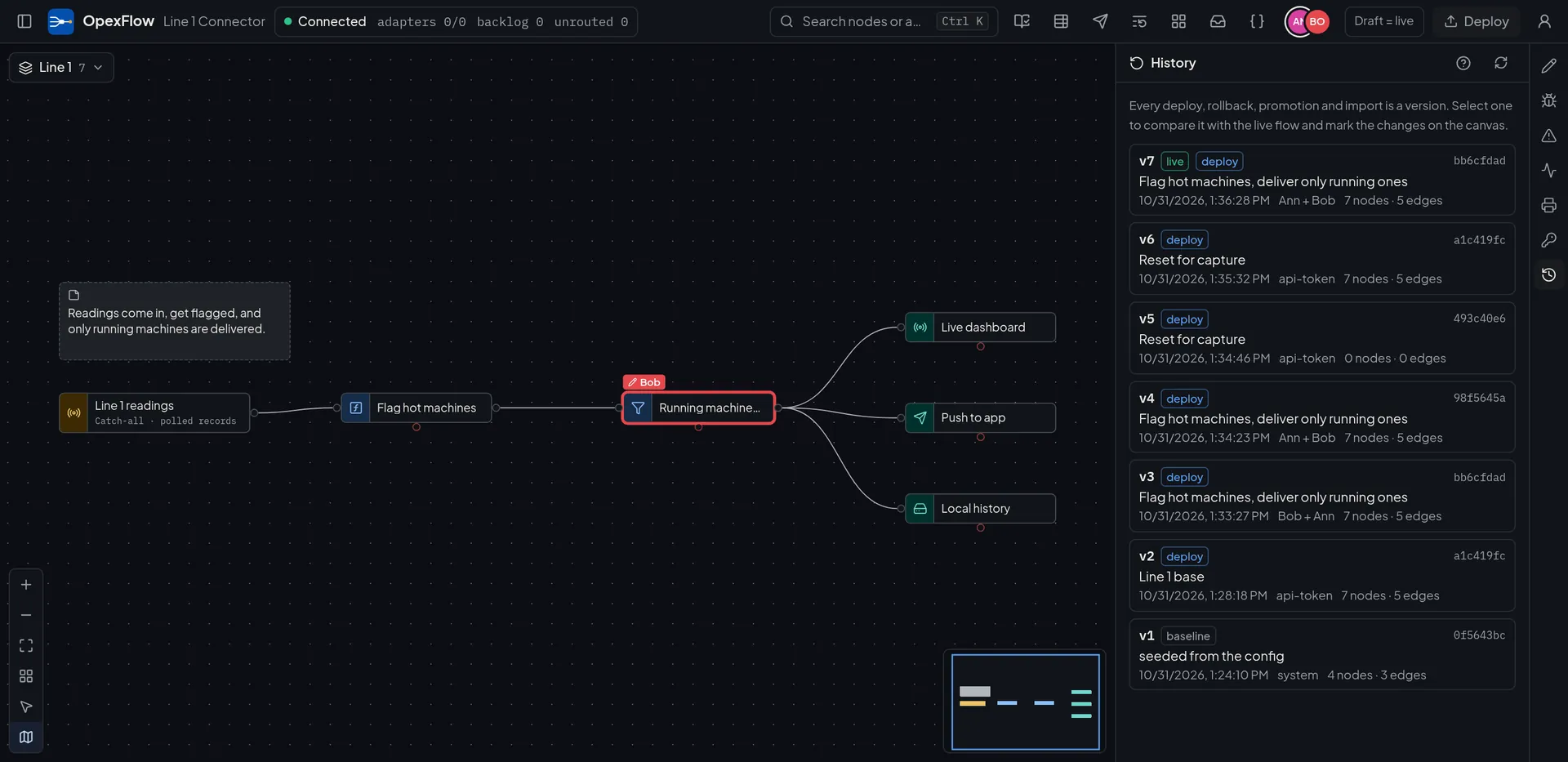
- Deploy
- Takes the shared draft as it is now and creates one version. The person who deployed is the actor. Everyone else who changed the draft since the previous version is a co-author, shown in History. Every open editor is told which version went live and who deployed it.
- Refused when there is nothing to deploy
- A deploy is refused when the draft equals the live flow, and when the live version is not the one the caller expected.
- Discard draft changes
- Resets the draft to the running flow for everyone, after a confirmation. Changes still queued on offline machines are void, and those editors are told.
- A deploy by another route
- An API call, MCP, a rollback, a promotion or an import is announced to every editor too. The draft is kept, the unsaved count is taken against the new live flow, and the list of authors starts again.
Viewers watch. Protected environments stay read-only.
How changes merge, field by field.
The server holds the draft as nodes, edges and flows, puts every change in order, and sends the same order to every client. The rules are deterministic.
- Different fields of one node
- Both changes survive, whoever sent first. A node’s position, label and script are separate fields.
- The same field
- The change the server saw last wins.
- A delete and an edit
- The delete wins. A concurrent move or edit of that node finds no target and is dropped. Adding the same id again brings the node back.
- A wire that cannot exist
- A wire to a node that was just deleted is dropped. A wire that would make a cycle, duplicate one or cross flows is refused, as is deleting the last flow. The client that sent it is told and resynchronised.
- Undo
- Takes back your own edits. Other people’s changes made since are kept.
Text merges per field, not per character. If two people type into the same script at the same moment, the later change replaces the earlier one. We chose this over a character-level CRDT such as Yjs because the draft is a small graph of JSON fields that one server already puts in order: no tombstones, no binary document format, no extra dependency.
Offline, then back.
Questions about editing together.
Something missing? Write to marketing@opexcg.com.
Can two people edit the same script at the same time?
They can, and the later change wins. Text is merged per field, not per character, so a script typed into by two people at once keeps the last version the server saw. Edits to different fields of a node, such as one person moving it and another renaming it, both survive.
Does editing change the running flow?
No. Everyone edits a shared draft. The running flow and the version history change only when an editor deploys, and that deploy records everyone who changed the draft as co-author.
What can a viewer see in a shared session?
Viewers and operators watch changes arrive live and show up in the avatar list, but they cannot edit. A protected environment is read-only for everyone, and presence still works there.
From download to first record in minutes.
Run one binary, connect a PLC, a CNC or a webhook, and watch the records arrive in the editor.
- One binary
- Raspberry Pi to rack server
- Signed delivery with retries
Sizing questions or an air-gapped install? Email marketing@opexcg.com or read the quick start.