Give operators and finance their own screens, with no build step.
An app is a JSON document that the dashboard renders at /apps/{slug}. Draw it in a visual designer on real data, read the diff, and publish: users see it on their next request.
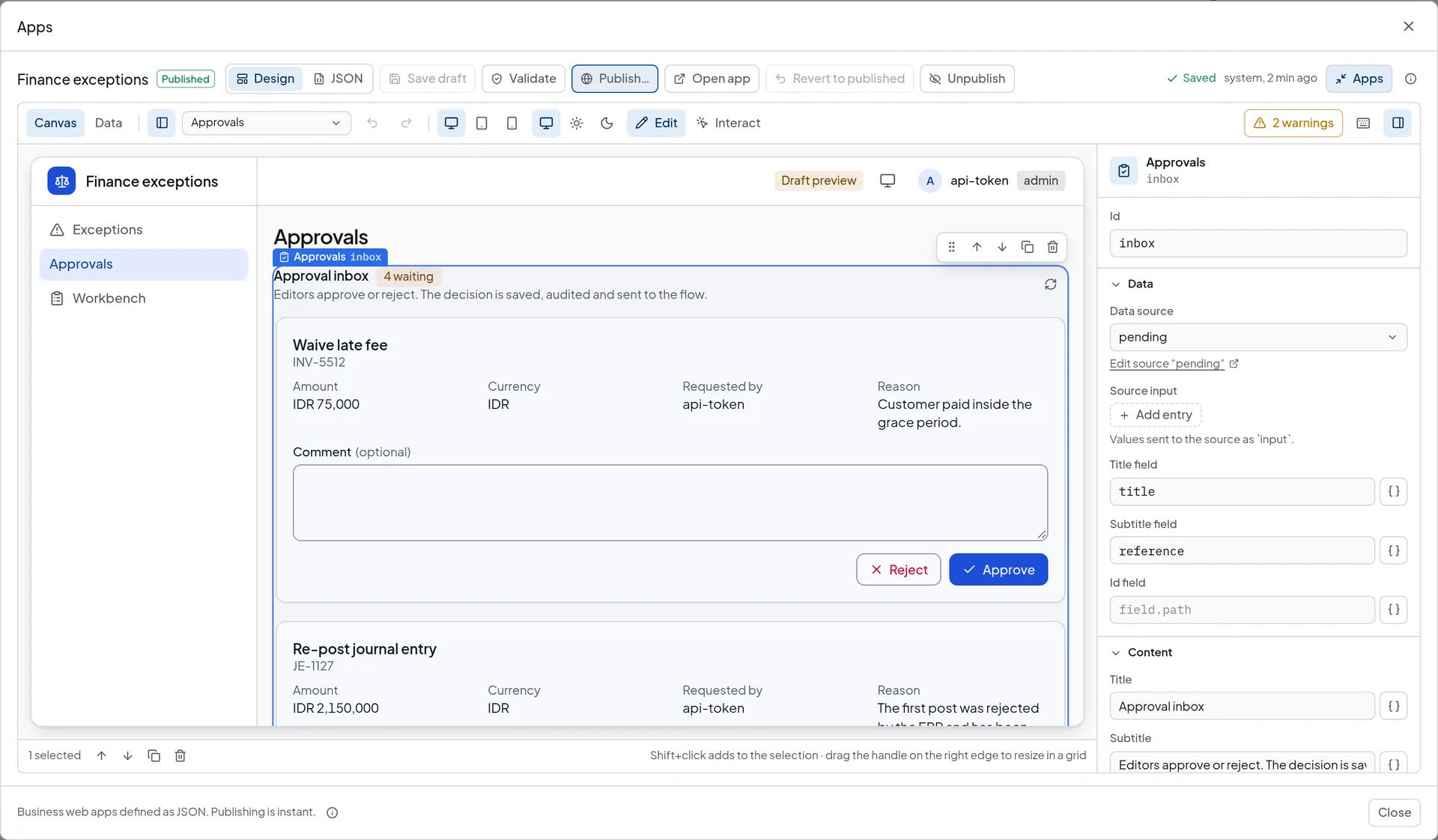
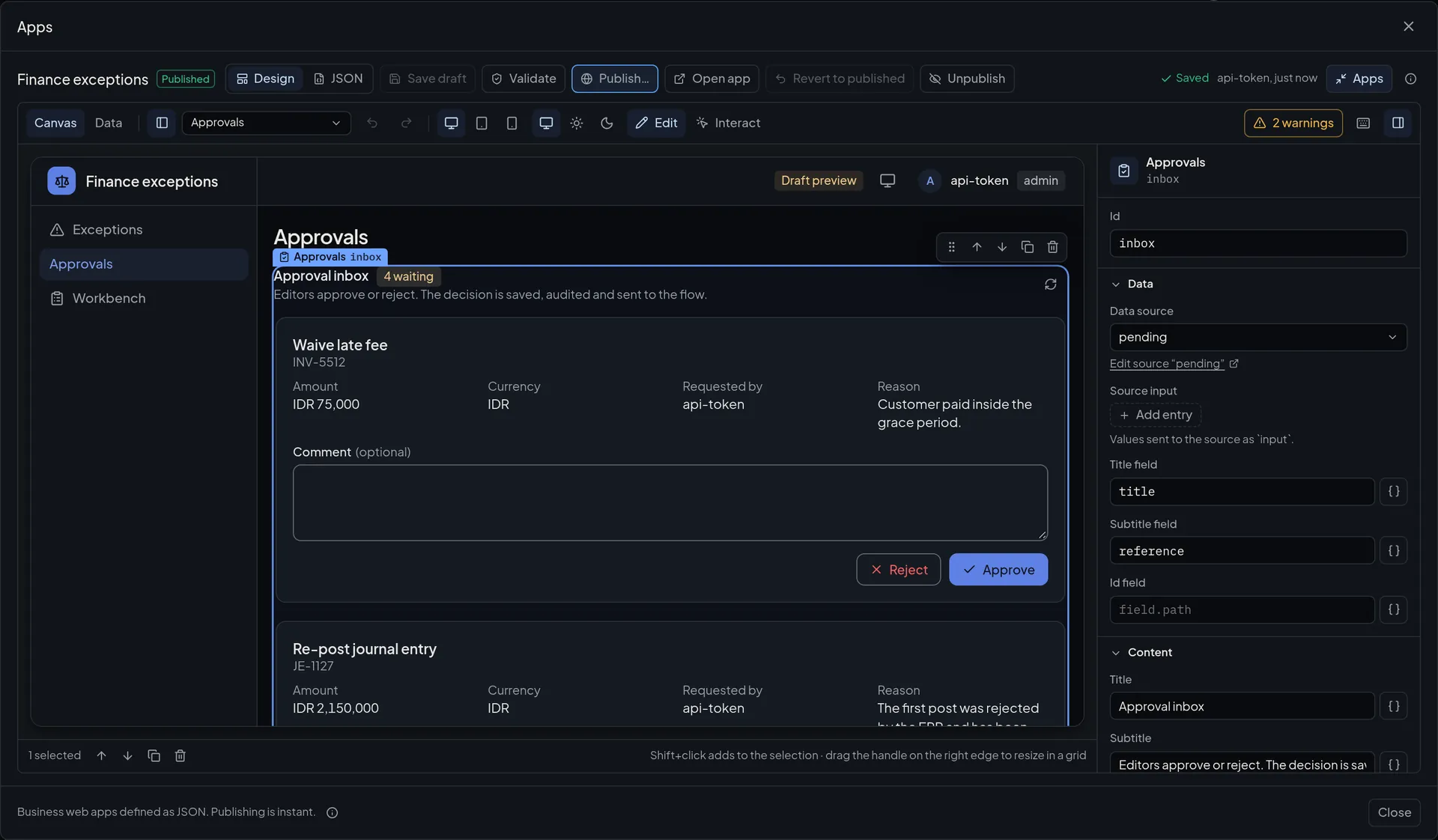
What you build.
An app reads what the connector already holds: its own collections, flows, lookup tables, the event log, reconciliation reports and cases, dead letters, printers and live machines.
- Forms
- Fields are generated from a JSON Schema. A form stores a record in an app collection or calls a flow. Text, number, date, email, yes or no, and select fields; forms are flat, with no nested objects.
- Tables
- Paging, sorting, search and filters run on the server. Add CSV export, and row actions that run an action on the row.
- Approval inboxes
- Cards with Approve and Reject and an optional comment. A sequence action records the decision and calls a flow. The approve node’s own roles and users still decide who may approve.
- Live tiles
- Machine tiles that follow the live WebSocket, and printer cards with the job log behind them.
- Numbers and charts
- Stat tiles with an optional delta, and line, bar and area charts on a time axis.
- Buttons that start a process
- A button or a form calls a flow whose source node matches app:{app}/{flow}. The app shows the last record the flow emitted. The call waits 15 seconds by default and up to 60.
Publishing is the whole deployment.
Roles are checked on the server.
The browser never decides who may do what. These are the defaults for each kind of call.
| To do this | The caller needs |
|---|---|
| Open an app | The app’s minimum role, viewer by default. A page or a component can raise it. |
| Read a flow source or dead letters | operator |
| Create, update or delete a collection record, or run a flow action | operator. A collection’s write roles are a floor an action cannot lower. |
| Change a lookup table | editor |
| Run a sequence of actions | The strictest role among its steps. |
Open an app
- Needs
- The app’s minimum role, viewer by default. A page or a component can raise it.
Read a flow source or dead letters
- Needs
- operator
Create, update or delete a collection record, or run a flow action
- Needs
- operator. A collection’s write roles are a floor an action cannot lower.
Change a lookup table
- Needs
- editor
Run a sequence of actions
- Needs
- The strictest role among its steps.
A designer that edits the same JSON.
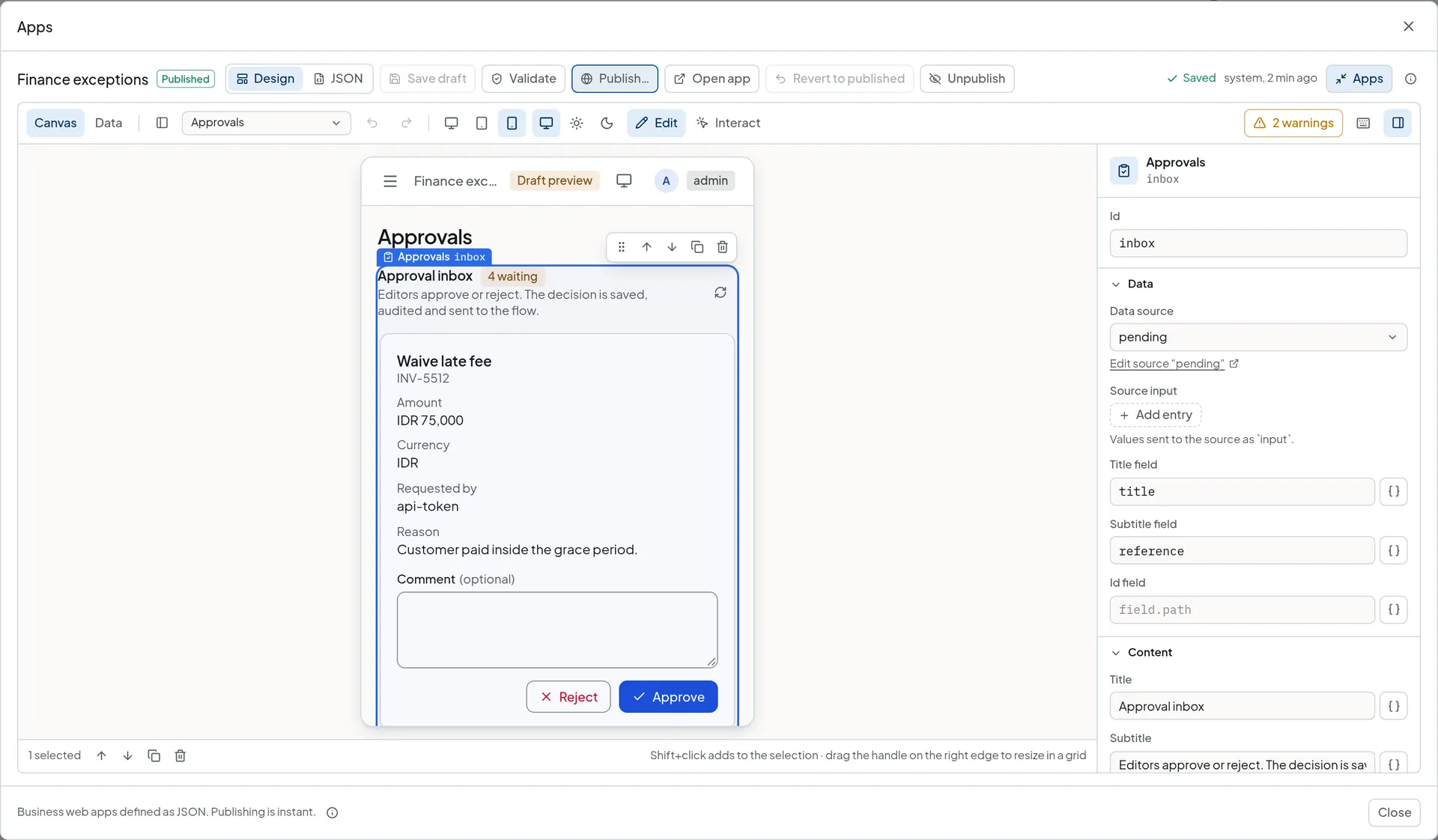
The Design view writes exactly what you would write by hand. Switch to the JSON view at any time, and an edit in one shows in the other.
- The real app on real data
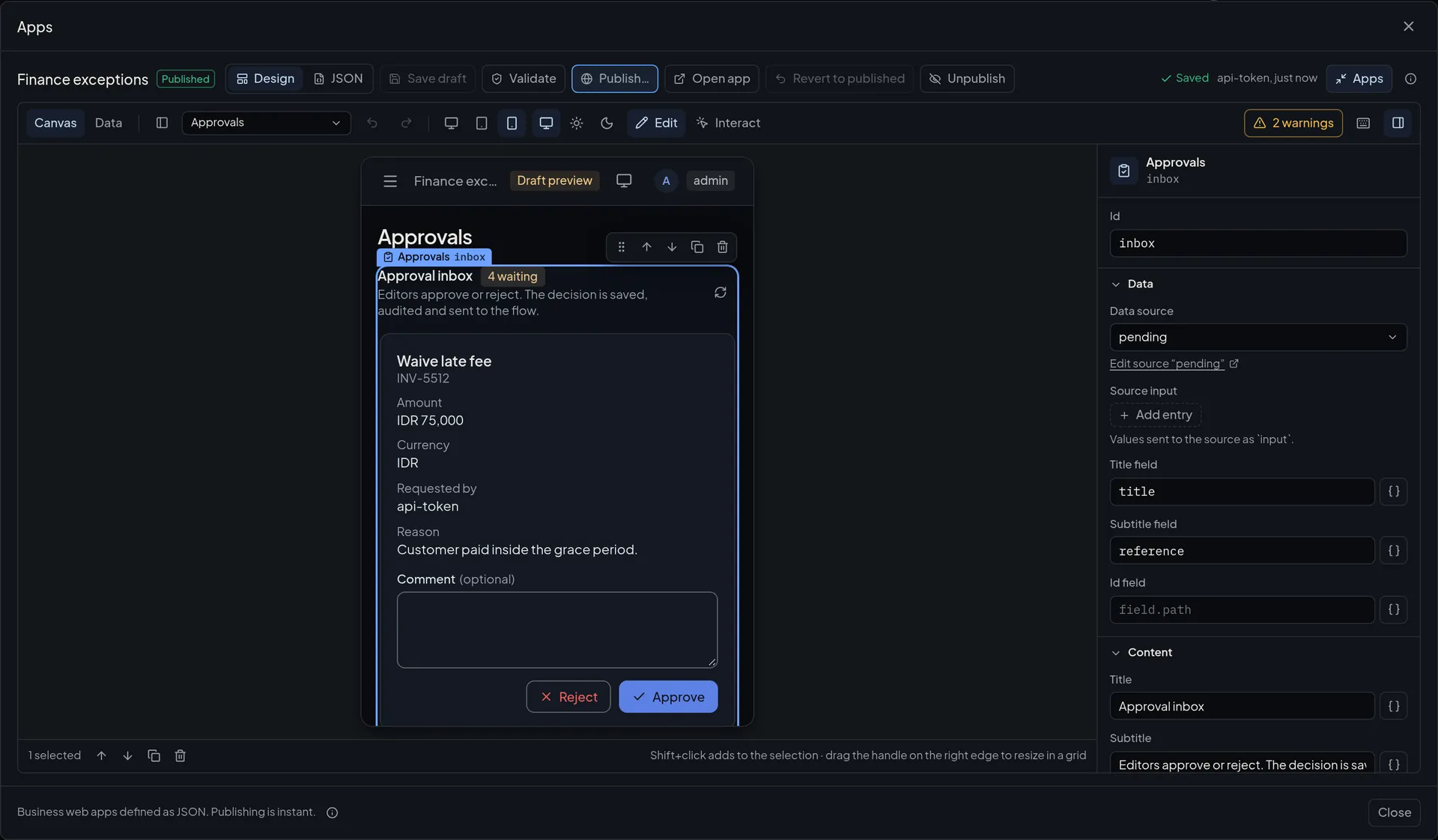
- The canvas is drawn by the same runtime users get, with data from the draft’s sources, in a desktop, tablet or phone frame, in light or dark. Interact mode runs filters, forms and buttons for real against the draft.
- An inspector generated from the schema
- Sources, actions, columns, filters, row actions, forms and layout are fields, not JSON. Role pickers write the roles. An action is picked, or created in place.
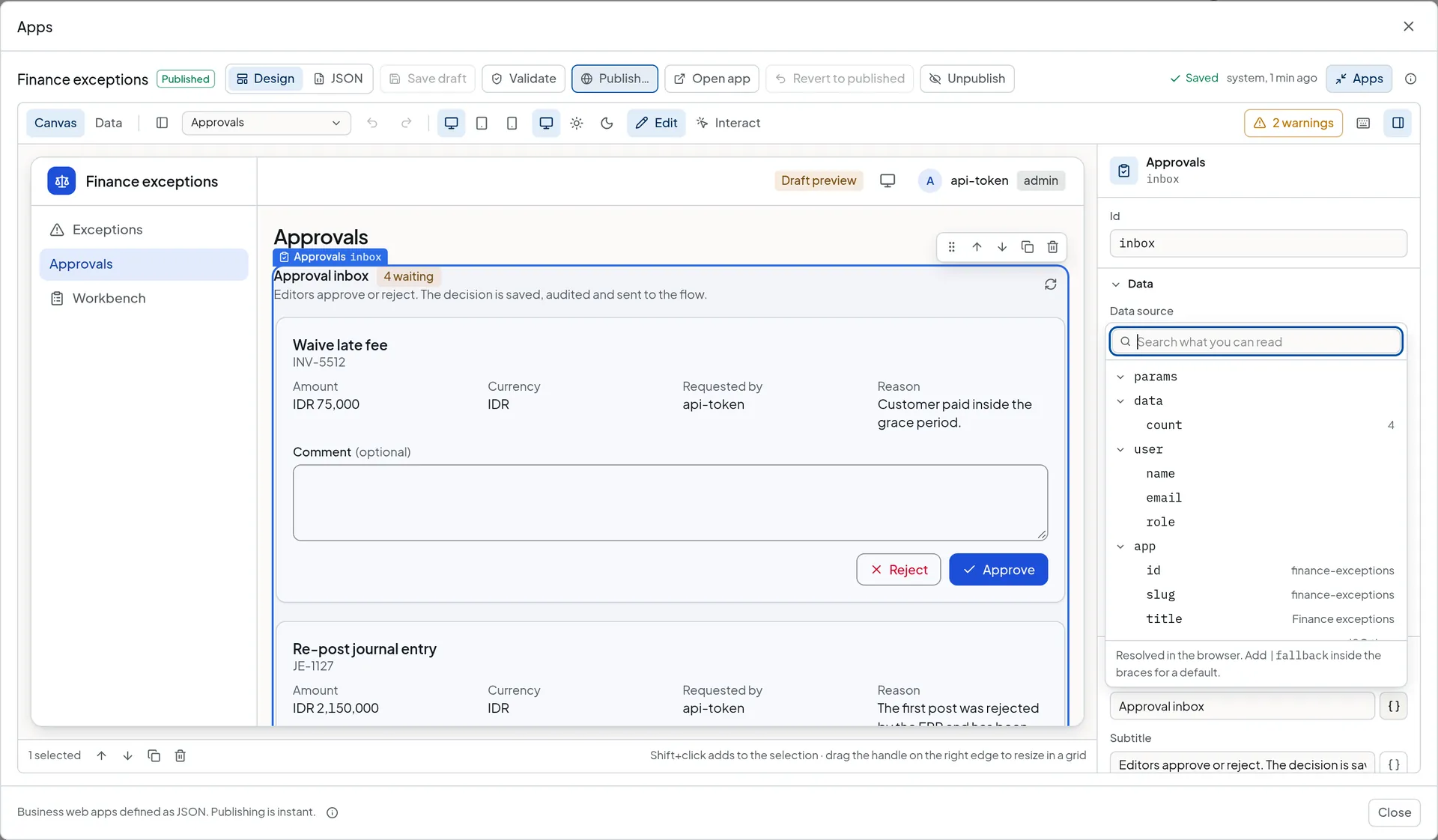
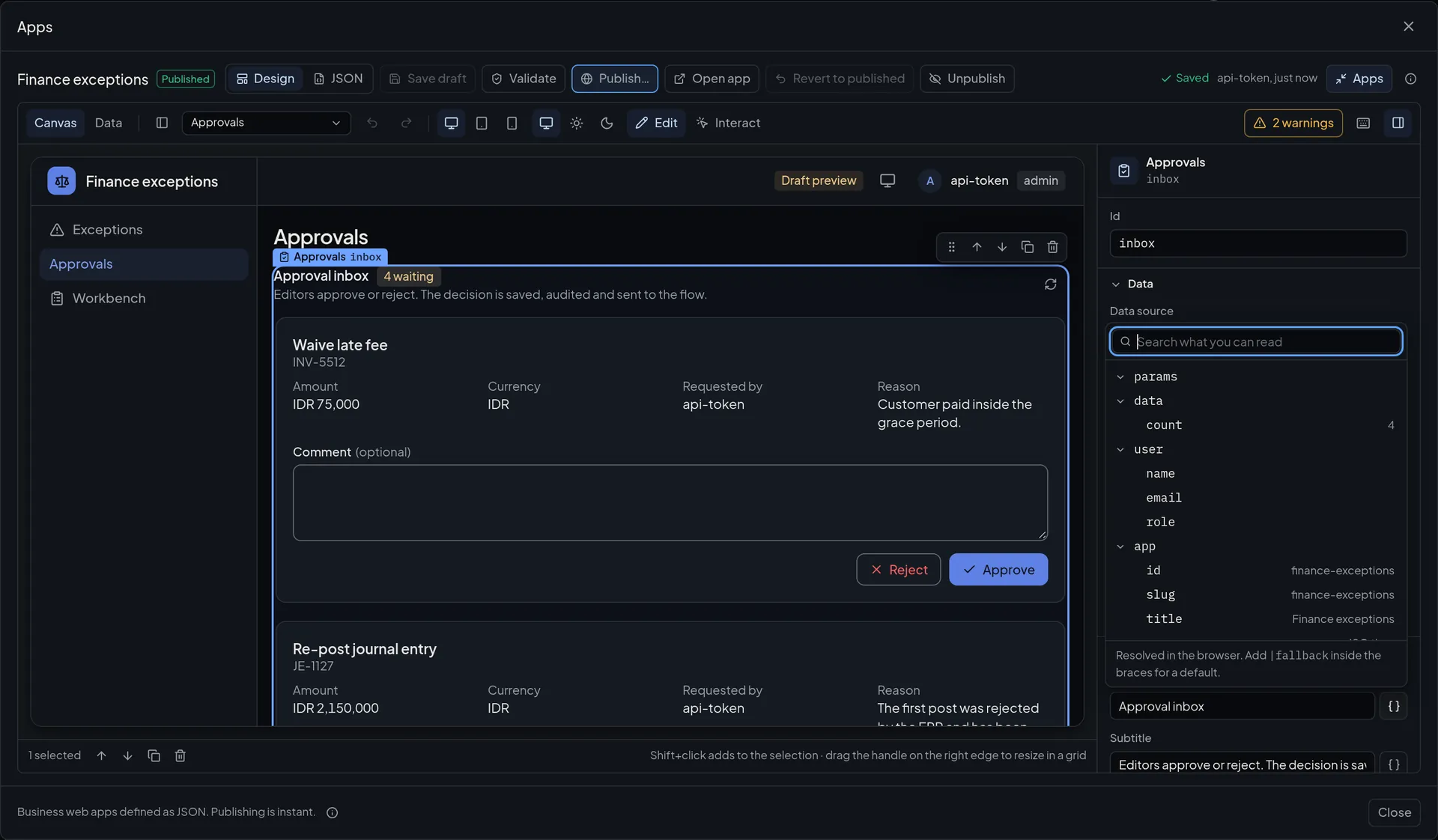
- A binding picker with real values
- Fields that take a ${…} binding open a picker that browses what the field can read, showing the value from the source’s live answer.
- Problems where they are
- The server’s validation paths are mapped onto the component they name. It is outlined on the canvas with a count, and the message shows under the field.
- Design and JSON are one document
- The designer writes exactly what you would write by hand, keeps unknown fields, and undo covers both views. The draft saves by itself once the server accepts it.
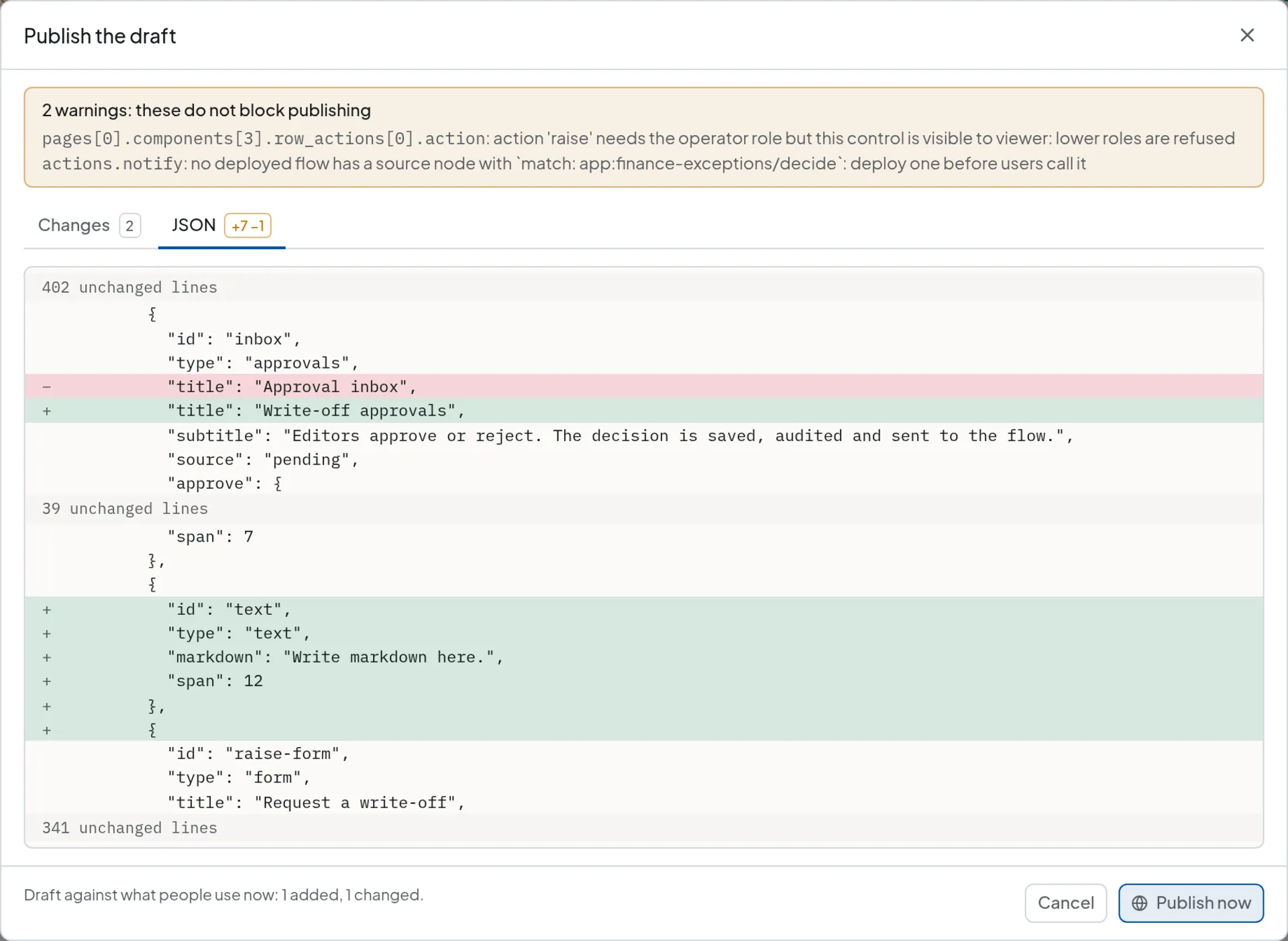
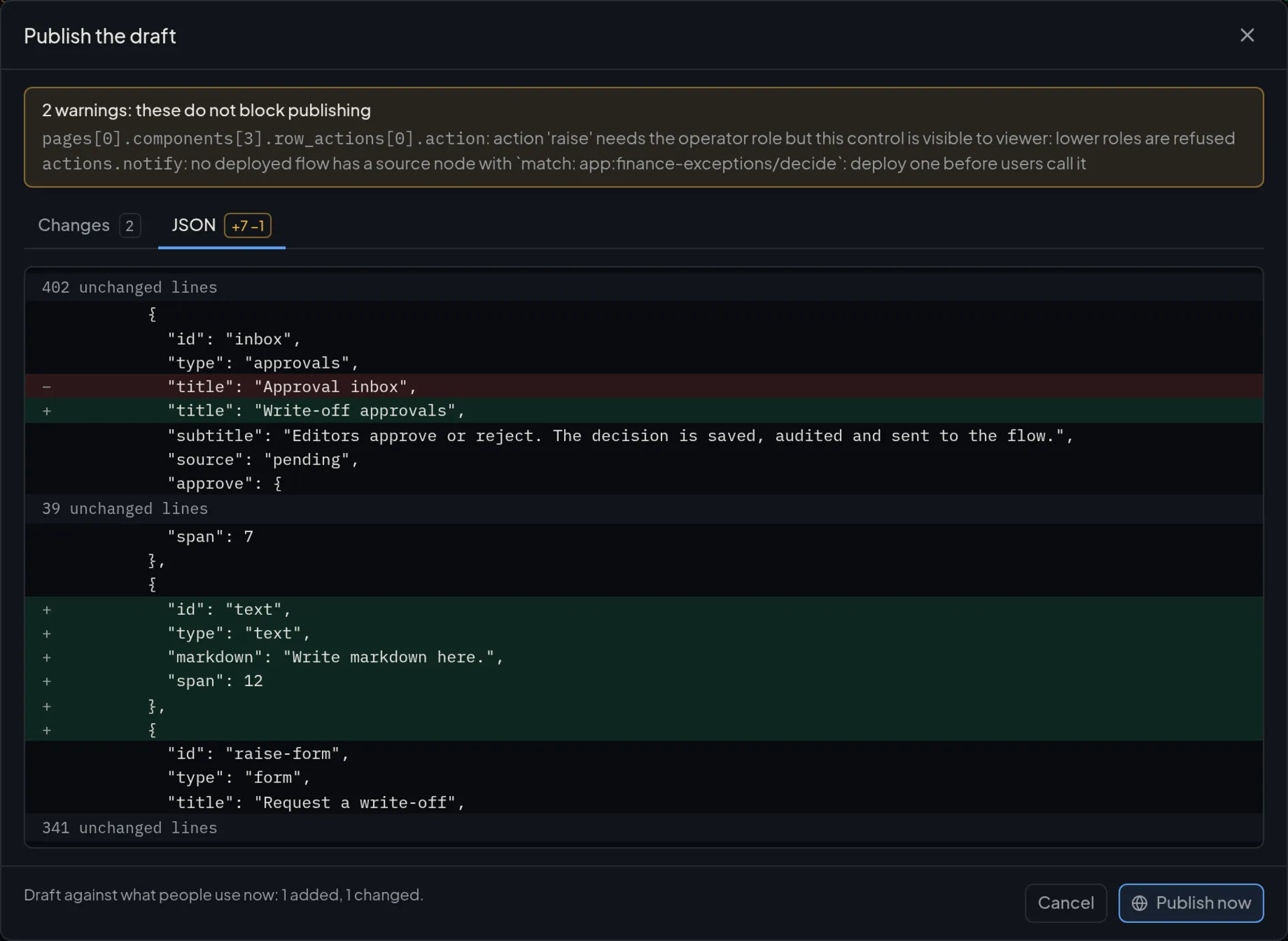
Read the diff, then publish.
What an app does not do.
- No arbitrary JavaScript. Bindings are ${path} templates with an optional fallback, nothing more. Computation belongs in a flow.
- Forms are flat. When a business event’s schema has properties a form cannot render, they are dropped and the designer warns.
- A definition is at most 512 KiB, 50 pages and 400 components. A record is at most 256 KiB, and a collection holds 50,000 records by default.
- Dead letters, events and the printer job log are read-only sources.
- The designer edits one app at a time and never edits flows. It shows the app:{app}/{flow} key a flow needs and whether a deployed flow has it.
Questions about apps.
Something missing? Write to marketing@opexcg.com.
Can an app run my own JavaScript?
No. Bindings are ${path} templates with an optional fallback, with no operators or calls. Computation belongs in a flow, which can use a JavaScript transform, and the app calls the flow from a button, a form or a source.
Who can open an app, and who can change it?
Anyone whose role meets the app’s minimum, viewer by default. Pages, components, sources and actions can ask for a higher role, and the server refuses a call from a lower one. Editing and publishing need the editor role.
What do I have to build or restart to change an app?
Nothing. Publish copies the draft over the published definition in one atomic step, and users see it on their next request. Use Revert to return the draft to the published version, or Unpublish to take the app off.
From download to first record in minutes.
Run one binary, connect a PLC, a CNC or a webhook, and watch the records arrive in the editor.
- One binary
- Raspberry Pi to rack server
- Signed delivery with retries
Sizing questions or an air-gapped install? Email marketing@opexcg.com or read the quick start.